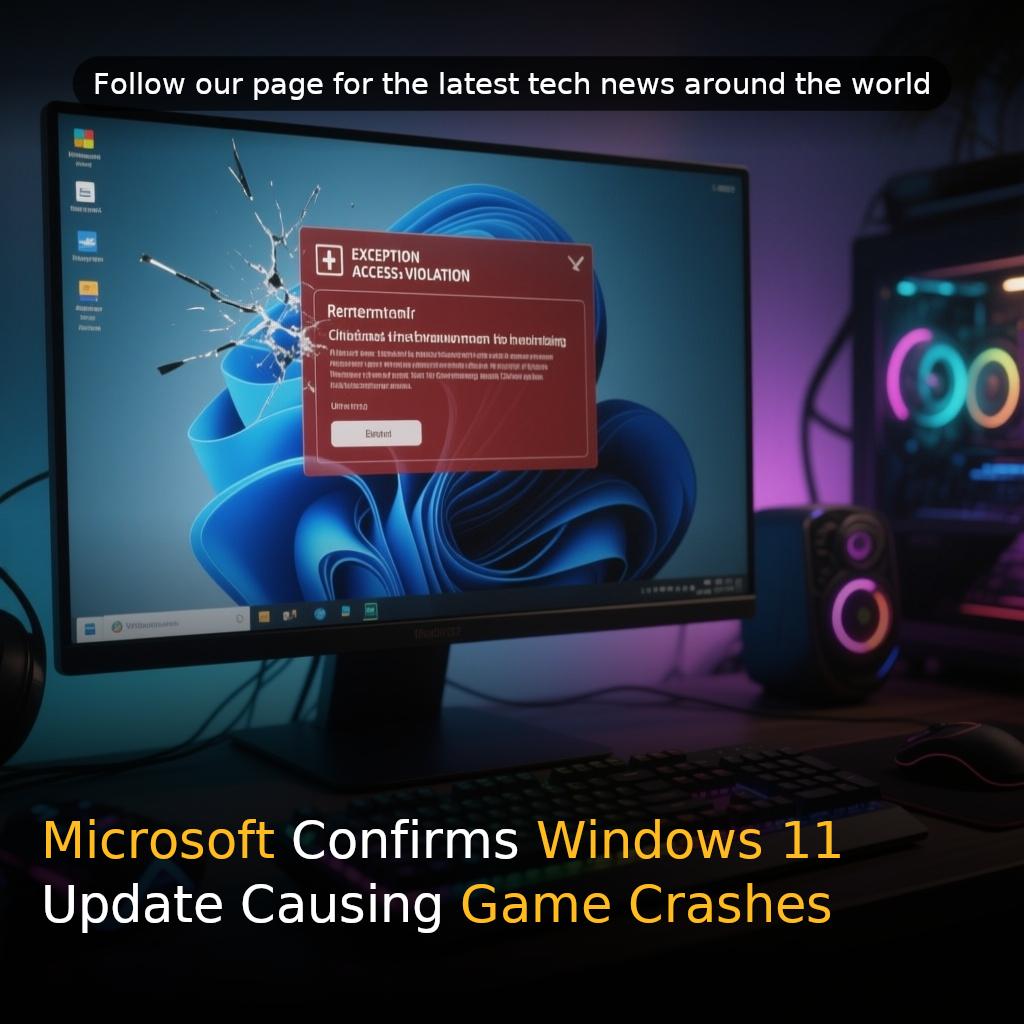
Microsoft has confirmed that its most recent Windows 11 update, identified as KB5121003, is causing game crashes and unexpected system reboots for a subset of gamers. The company points to certain drivers and software elements associated with RGB lighting on peripherals and internal components as the likely source of the problem.
Key Takeaways
- The August Windows 11 update (KB5121003) is causing crashes and reboots in specific games, including ARC Raiders, MARVEL Tōkon: Fighting Souls, and THE FINALS.
- Microsoft believes drivers with names resembling ‘inpoutx64’ are responsible for conflicts with these games.
- A temporary fix involves disabling the inpoutx64 driver via the Windows Registry, but this may disable RGB lighting features.
- Users are urged to report issues through the Windows Feedback Hub to aid Microsoft’s investigation.
Affected Games and Symptoms
Users affected by the issue may encounter games that stop responding, close abruptly, display ‘EXCEPTION_ACCESS_VIOLATION‘ errors, or cause the entire system to restart without warning. The reported game crashes involve titles such as ARC Raiders, MARVEL Tōkon: Fighting Souls, and THE FINALS.
Cause and Investigation
Microsoft has indicated that impacted systems might contain drivers with names resembling ‘inpoutx64‘, which can create conflicts with specific games following the August update. The company is actively investigating the interaction between RGB-related components and the affected games.
Temporary Fix and Registry Instructions
As a temporary fix, Microsoft advises users to disable the inpoutx64 driver by modifying the Windows Registry. To disable the driver, follow these steps:
- Open the Registry Editor by typing ‘regedit‘ in the Start menu.
- Navigate to HKEY_LOCAL_MACHINE\SYSTEM\CurrentControlSet\Services\inpoutx64.
- Back up the Registry.
- Change the ‘Start‘ value to 4.
- Restart the computer.
Potential Impact on RGB Lighting
Microsoft cautions that disabling the driver may cause RGB lighting features on connected devices or internal components, as well as their control software, to stop working. If RGB functionality is lost, users can restore the driver’s previous Registry value to re-enable it.
How to Help
Microsoft has requested that affected users file reports via the Microsoft Windows Feedback Hub to assist in the ongoing investigation.