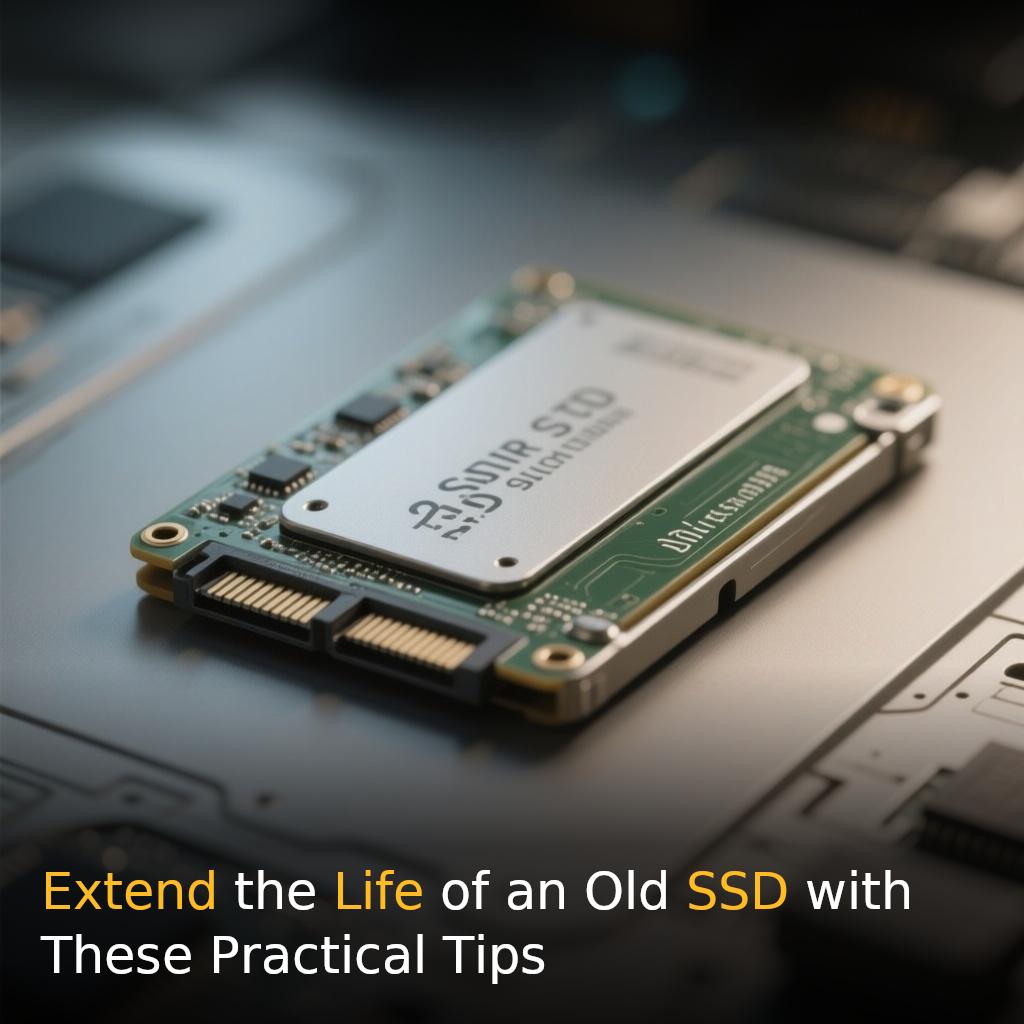
Solid-state drives (SSDs) have transformed computer storage, offering faster performance, quieter operation, and greater resistance to physical shocks than traditional hard disk drives. However, they are not designed to last forever. The NAND flash memory inside them can withstand only a finite number of write and erase cycles, meaning an ageing drive can gradually become more vulnerable to errors and eventual failure.
For users relying on an older SSD, a few simple habits can help reduce unnecessary wear and potentially extend its useful life.
**How SSDs wear out**
Unlike traditional hard drives, SSDs have no moving mechanical components. Instead, they store data in NAND flash memory, where information is written and erased electronically. Every memory cell can handle a limited number of write and erase cycles, which is why manufacturers often provide a **TBW (terabytes written)** rating, indicating how much data a drive is designed to handle over its rated lifespan. Reaching the manufacturer’s TBW figure does not necessarily mean an SSD will immediately stop working, but continued wear can increase the likelihood of errors and eventual failure.
**Avoid unnecessary large writes**
One of the simplest ways to reduce SSD wear is to avoid unnecessary writing of large amounts of data. Frequently moving huge files, repeatedly downloading and deleting large datasets, or using an SSD for workloads that constantly rewrite information can consume its write endurance more quickly. Normal everyday computer use is generally not a concern, but users with older drives can consider storing large media collections, backups, and frequently rewritten files on another drive when practical.
**Keep the SSD cool**
Heat is another factor that can affect SSD performance and longevity. SSDs can become warm during demanding activities such as large file transfers, gaming, and video editing. Prolonged exposure to high temperatures can contribute to component degradation and may cause the drive to reduce its performance to manage heat. Ensuring proper airflow inside a computer and providing adequate cooling for the SSD can help maintain stable operation.
**Don’t fill the drive completely**
Keeping an SSD almost completely full can also make storage management more difficult, particularly on an ageing drive. SSDs use a process called **wear leveling** to distribute writes across available memory cells, helping prevent certain cells from wearing out significantly faster than others. Maintaining sufficient free space gives the SSD’s controller more flexibility to manage data and distribute writes efficiently. Users can therefore improve the drive’s operating conditions by regularly deleting unnecessary files or moving large videos, photographs, and backups to another storage device.
**Monitor your SSD’s health**
Regularly checking an ageing SSD can help identify potential problems before they result in data loss. Many SSD manufacturers provide dedicated software that can display information such as estimated drive health, temperature, and the amount of data written. Third-party monitoring tools can also provide access to **SMART health information**, allowing users to keep track of the drive’s condition. Checking these figures periodically is particularly important when an SSD contains valuable personal or professional data.
**Never rely on an SSD as your only backup**
Even a seemingly healthy SSD can fail because of hardware or electronic problems before reaching its advertised endurance limit. For this reason, important photographs, documents, videos, and work files should never exist on only one drive. Keeping another copy on an external storage device or a reliable cloud-storage service can significantly reduce the risk of permanent data loss if an SSD suddenly fails.
**How long can an old SSD last?**
There is no fixed expiration date for an SSD. Its lifespan depends on factors including the model, **NAND technology**, workload, operating temperature, and the amount of data written over time. Some SSDs continue working well beyond their official endurance ratings, while others may develop problems much earlier.
For users with ageing SSDs, the best approach is straightforward: **reduce unnecessary writes, keep the drive cool, maintain adequate free space**, and monitor its health regularly. Most importantly, keep a current backup of important data.
Extending an SSD’s lifespan can save money and prevent disruption, but protecting the data stored on it is ultimately more important than keeping the drive running indefinitely.
#SSD, #DataStorage, #TechTips, #ComputerHardware