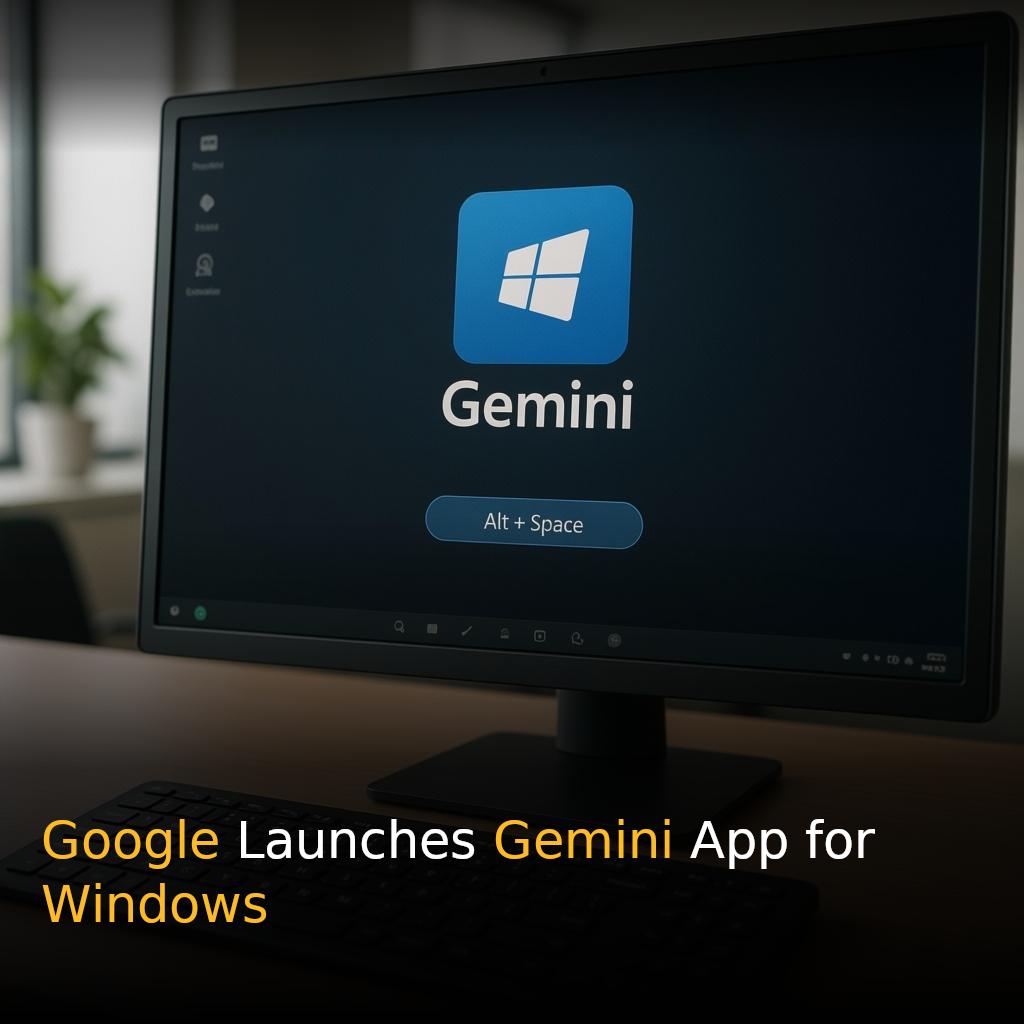
Pressing Alt + Space at any moment on a Windows PC now summons Gemini on top of whatever work is currently active, as Google launches a dedicated Gemini desktop application for Windows 10 and Windows 11 worldwide today.
Key Takeaways
- Gemini for Windows is available now worldwide for Windows 10 and Windows 11, downloadable from gemini.google/desktop.
- The app is triggered instantly with the Alt + Space keyboard shortcut, appearing over any active work.
- A dedicated workspace supports focused, intensive work, with access to all Gemini capabilities.
- Image and video creation are built in, using Nano Banana for images and Gemini Omni for video.
- A Google AI subscription is required, availability differs by region, and users must be 18 or older.
A Desktop App That Fits Into Existing Workflows
The desktop app is built to integrate smoothly with the tools and everyday applications users already rely on. It provides immediate help without interrupting what users are doing. Pressing Alt + Space at any moment brings up Gemini on top of whatever work is currently active, so the assistant is always one keystroke away.
Instant Assistance, Minimal Disruption
The keyboard shortcut can be used for tasks such as quickly verifying a fact in a document or generating a few attention-grabbing title suggestions for a presentation. After getting assistance, users can return directly to their workflow without losing their place.
A Dedicated Workspace for Deep Focus
The app includes a dedicated workspace for focused, intensive work. Within the app, users can reach all the Gemini capabilities they already use.
Delegating Tasks to Gemini Spark
Multi-step tasks can be delegated to Gemini Spark, described as a personal AI agent available around the clock. Gemini can compose a project summary by retrieving information straight from the user’s Google services, including Gmail and Google Drive.
Creating Images and Video From the Desktop
Images and videos can be created from the desktop. Custom images for a presentation can be generated using Nano Banana, while high-quality video can be directed using Gemini Omni. Image and video creation can be done in a single convenient location.
Lightweight, Quiet, and Built to Not Slow You Down
The app is lightweight and quiet and does not cause the PC to slow down.
Availability and Requirements
| Requirement |
Details |
| Supported operating systems |
Windows 10 and Windows 11 |
| Where to download |
gemini.google/desktop |
| Subscription |
A Google AI subscription is necessary to use the service |
| Regional availability |
Differs by region |
| Age requirement |
Users must be 18 years of age or older |
What Happens Next
The Windows version of the Gemini app is only the start, with additional native desktop features planned to arrive over time.